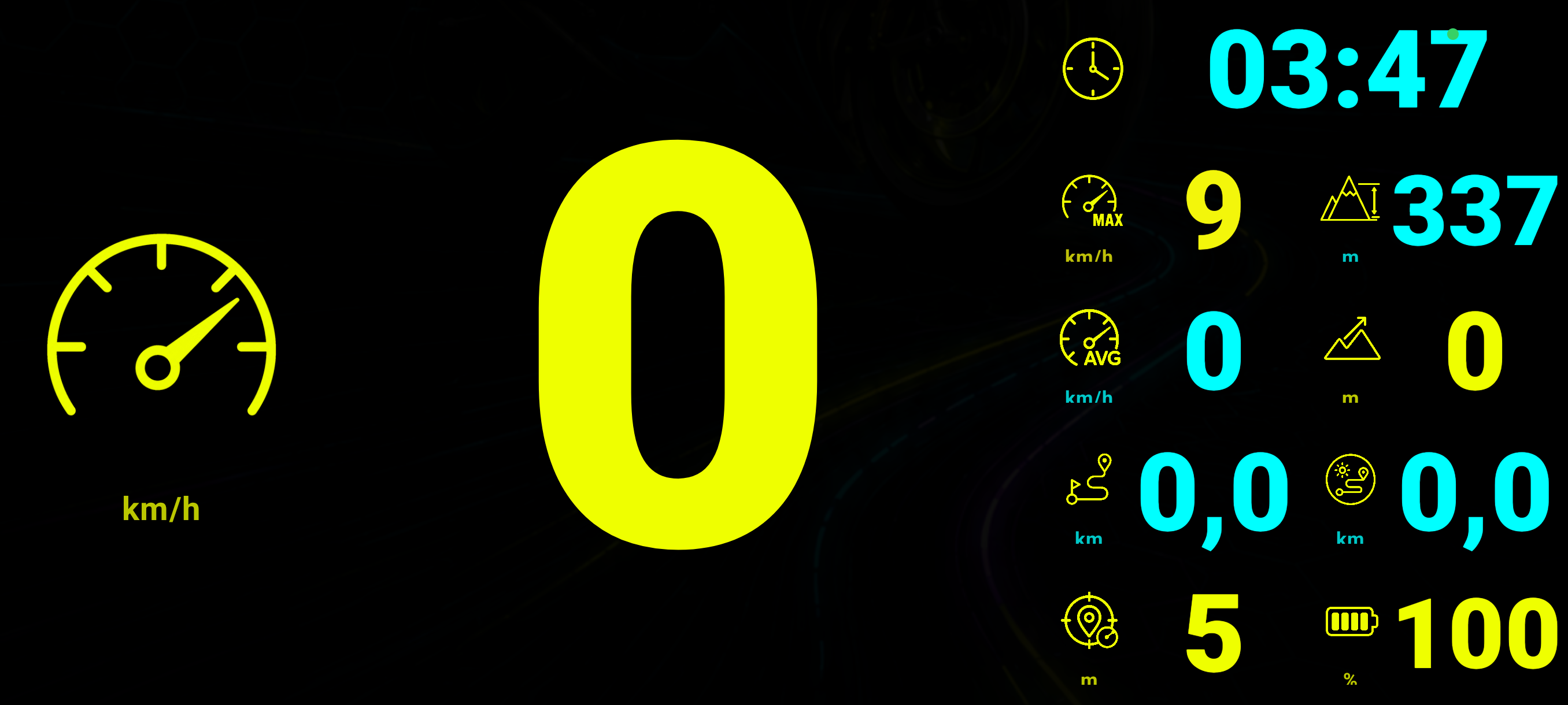
Live telemetry
Speed, lean angle, G-force, altitude and more — updated as you ride.
 Get the app
Android and iOS
Build a route or short roundtrip, follow voice navigation, and record a ride in a dashboard you can make your own.
Made for riding
Pick roads for a roundtrip, import a GPX file, or start a ride without a destination. Download maps before limited coverage. Some features require Pro or downloaded data.
Speed, lean angle, G-force, altitude and more — updated as you ride.
Google Maps and your most important ride data on one clear screen.
The interface simplifies itself at speed so key values stay readable.
Choose your widgets, move them and resize them to fit the way you ride.
Plan multi-stop routes and hear upcoming directions without distraction.
Review your route, distance, time, speed and detailed ride telemetry.
Your cockpit
Pick the information that matters to you and place every widget where it feels natural.

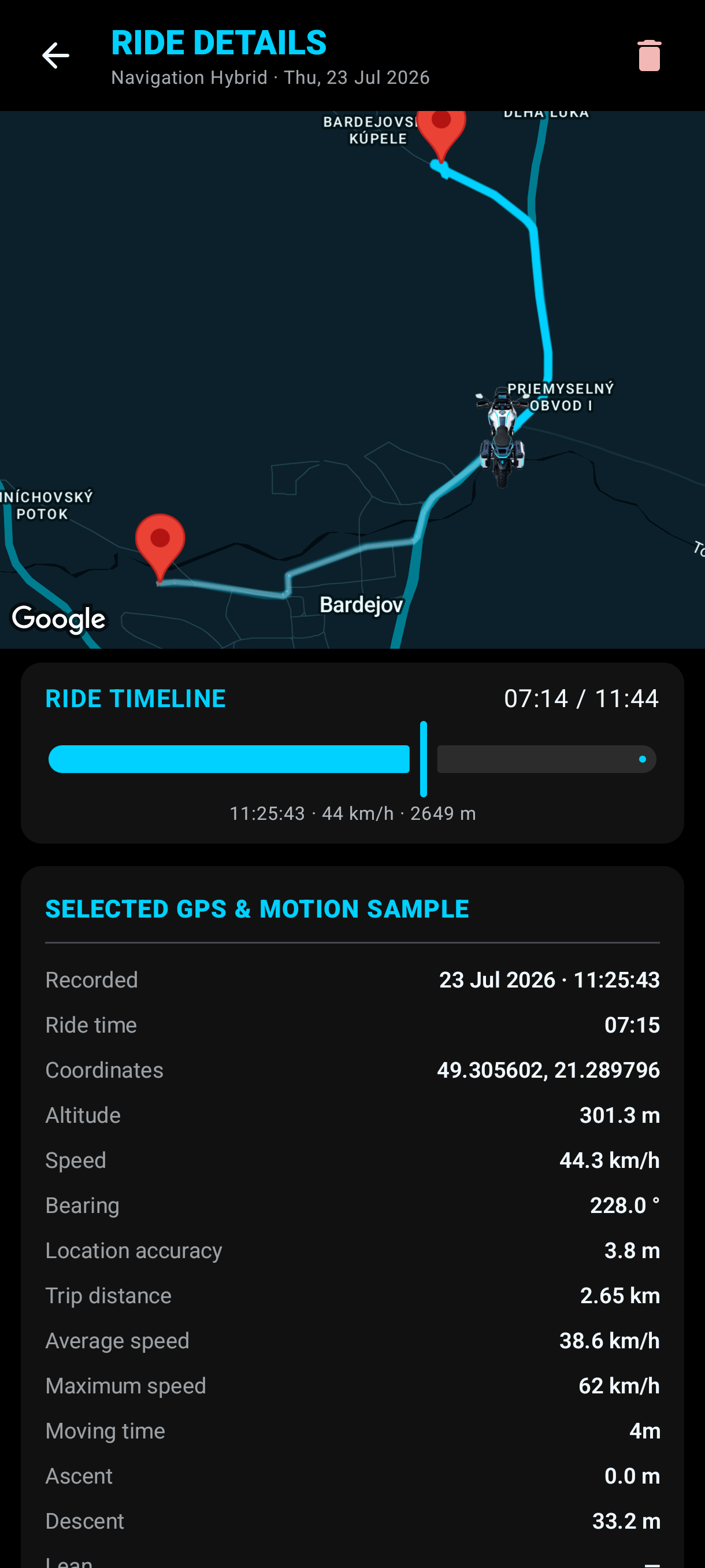
Ride Log
Open any completed ride to revisit the route and inspect what happened at every point along the way.
Built for the road
Plan, navigate and record on your phone. Some features require RideArrow Pro, downloaded data or a network connection.